Mark the class at the door, not afterwards from memory.
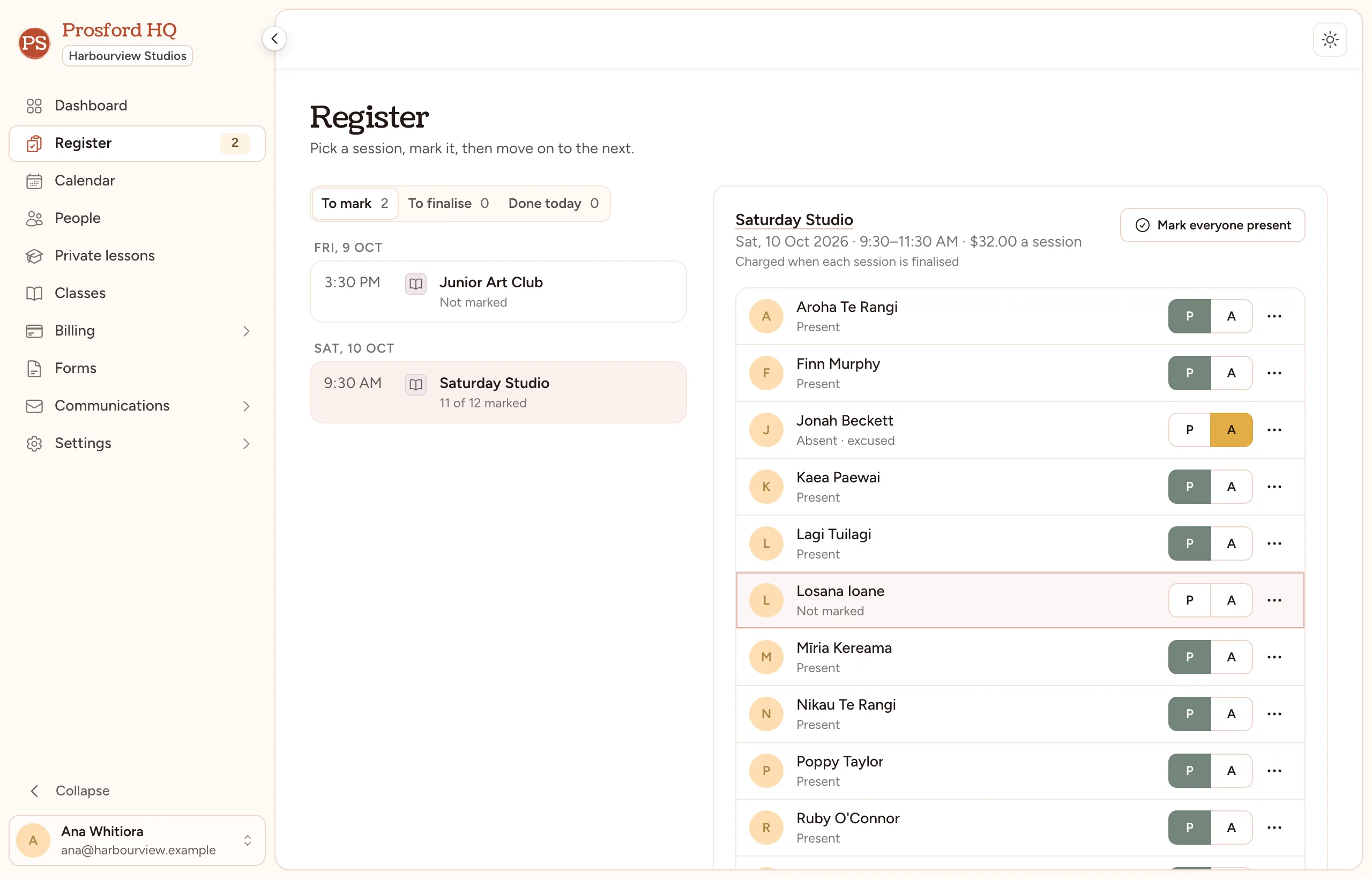
Every finished session waits in the register until it's marked. Tap through the students and move on to the next.
Start your free trial
30 days free. No card.
What still needs marking
Unmarked sessions wait in the register, and the sidebar shows how many.
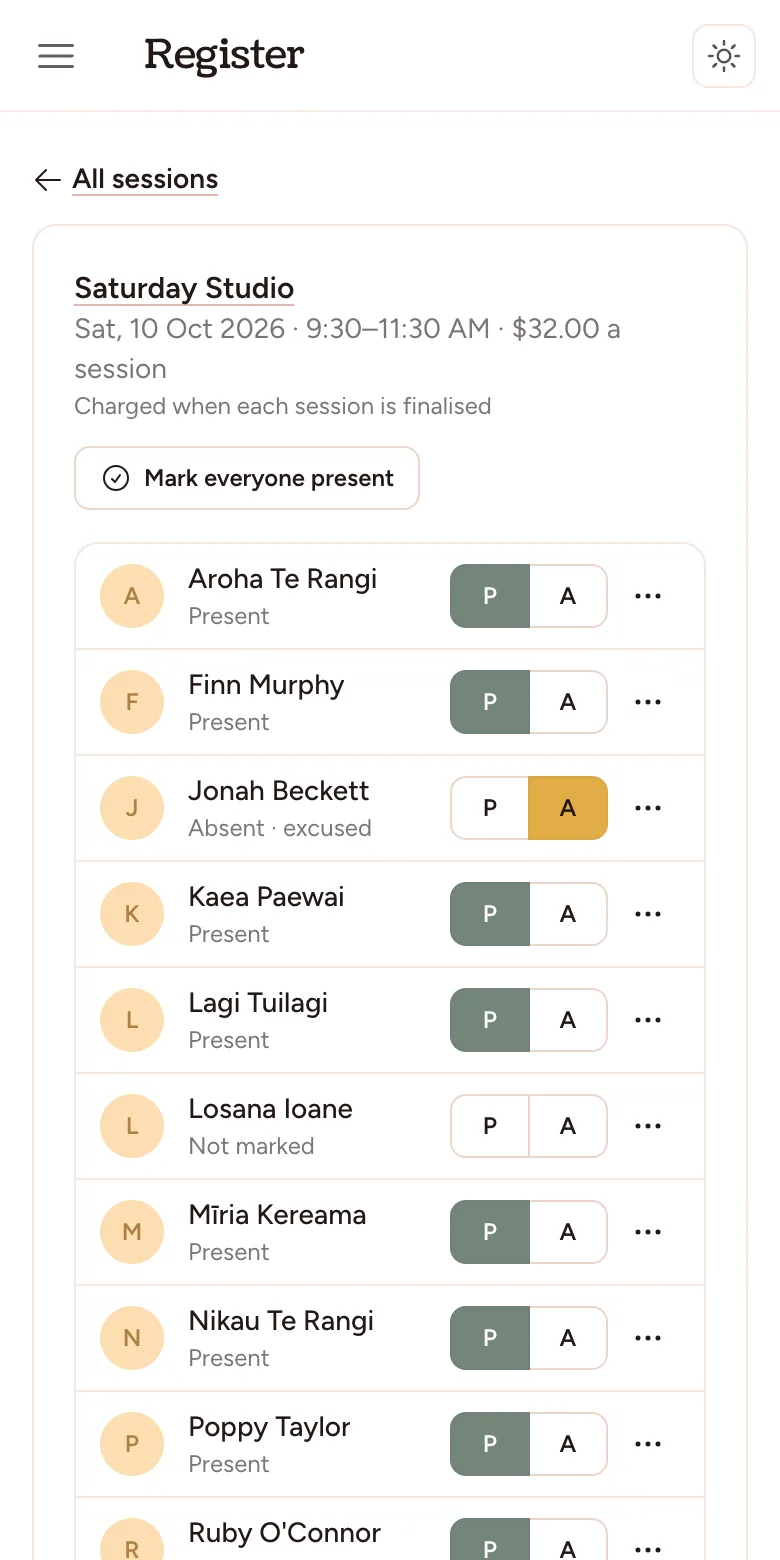
Made for your phone
Pick the session, then tap through the students with your thumb.
Present, absent, and why
Sick, on holiday, didn't show or something else, plus a note on the session.
Mark it anywhere
From the register, the class, the student's page or the calendar.
Replacements that keep count
Cancel a charged lesson and tick who's owed one. It's used up by itself next time.
Finalising posts the charge
Classes charged by the session are charged when the register is finalised, ready to invoice.
Questions about attendance tracking.
- Can teachers take the register with their own login?
- Not yet. Today the register is taken by your studio's admins. Teachers with their own logins are coming.
- Can families book their own replacement lesson?
- Not yet. You book it for them, and their balance is used up when that session is finalised.
- Is a family's own absence owed a replacement?
- Only if you say so. Replacements are owed when you cancel a charged lesson, and you can add one by hand for any other reason.
It works with
Class scheduling
Set a class up once and the whole term fills in. Group classes and one-to-one lessons share one calendar.
Invoicing and billing
Invoice a term from what students are actually enrolled in, match your bank statement to invoices by reference, and see who still owes.
Pricing
One price for your size, every feature included, from $25 a month.
Put next term in properly.
Your studio is ready the moment you finish the form. 30 days free, no card, and we'll move your students in.
Start your free trial